The Zendesk alternativefor small teams.
Zendesk is a full customer service suite: ticketing, messaging, voice and AI agents, priced per agent. Suppp is a shared inbox for live chat and email that a small team can set up on its own.
Free plan available. 14-day trial on paid plans, no credit card required.
At a glance.
Zendesk details are from their public pricing page, checked October 2026. Prices change, so check their site for the latest.
Two good tools, for different teams.
Zendesk is a good fit if
- You need phone support alongside chat and email
- You want ticketing, a knowledge base and AI agents in one suite
- You need a sandbox, approval workflows or custom agent roles
Suppp is a good fit if
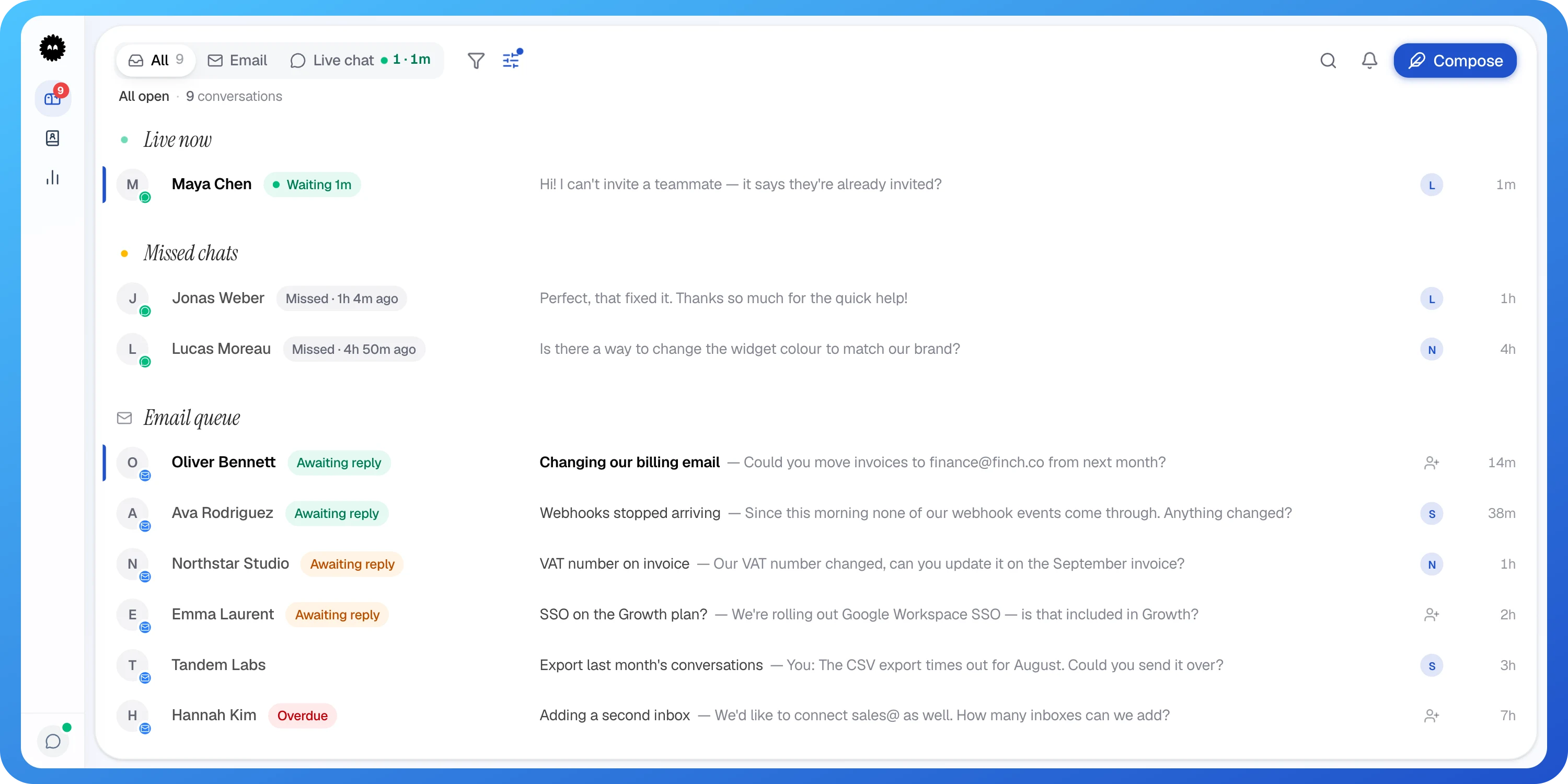
- You're a small or mid-size team answering live chat and email together
- You want seats included in the plan price
- You'd rather have a focused shared inbox than a large suite
Not in Suppp today: an AI agent, phone support, and importing old conversations.
What Suppp does well.
01
Chat and email in one inbox
The live chat widget and your Gmail or Outlook inboxes land in one shared inbox. Assign conversations, leave internal notes and reply from the same place. Email inboxes start on Starter.
02
Seats come with the plan
Starter includes 3 seats, with extra seats at €9 each a month. Pro has unlimited seats for €149 a month. Paid plans have unlimited conversations.
03
The everyday tools, built in
Canned responses, tags, business hours and a pre-chat form on Starter. Automations, analytics and reports on Pro. CSAT ratings on every plan.
Four steps,
at your own pace.
Suppp doesn't import old conversations yet, so keep an export from Zendesk for your records.
- 1
Create a free account
No credit card. Paid plans start with a 14-day trial.
- 2
Add the chat widget
Paste one snippet on your site and set your colours.
- 3
Connect your email
Sign in with Gmail or Outlook on Starter or Pro.
- 4
Run both for a while
New conversations arrive in Suppp while older threads finish where they started.
Questions & answers
Try Suppp
next to Zendesk.
Free plan available. 14-day trial on paid plans, no credit card required.
Zendesk is a trademark of its owner; Suppp is not affiliated with it. Spotted something out of date? Tell us at hello@suppp.chat and we'll fix it.